What's_happening?
Scan and inventory a research project folder to reconstruct file version lineages, diff code, extract document contents, and generate a chronological status report. Use it to quickly audit or get an overview of a project folder's full history.
The problem it solves
esearch folders accumulate years of drafts, slide decks, scripts, and data exports with no single source of truth, so answering "where are we on this project" means manually reopening dozens of files that haven't been touched in months, and the answer is stale again the moment a new file gets saved.
- Rakshita
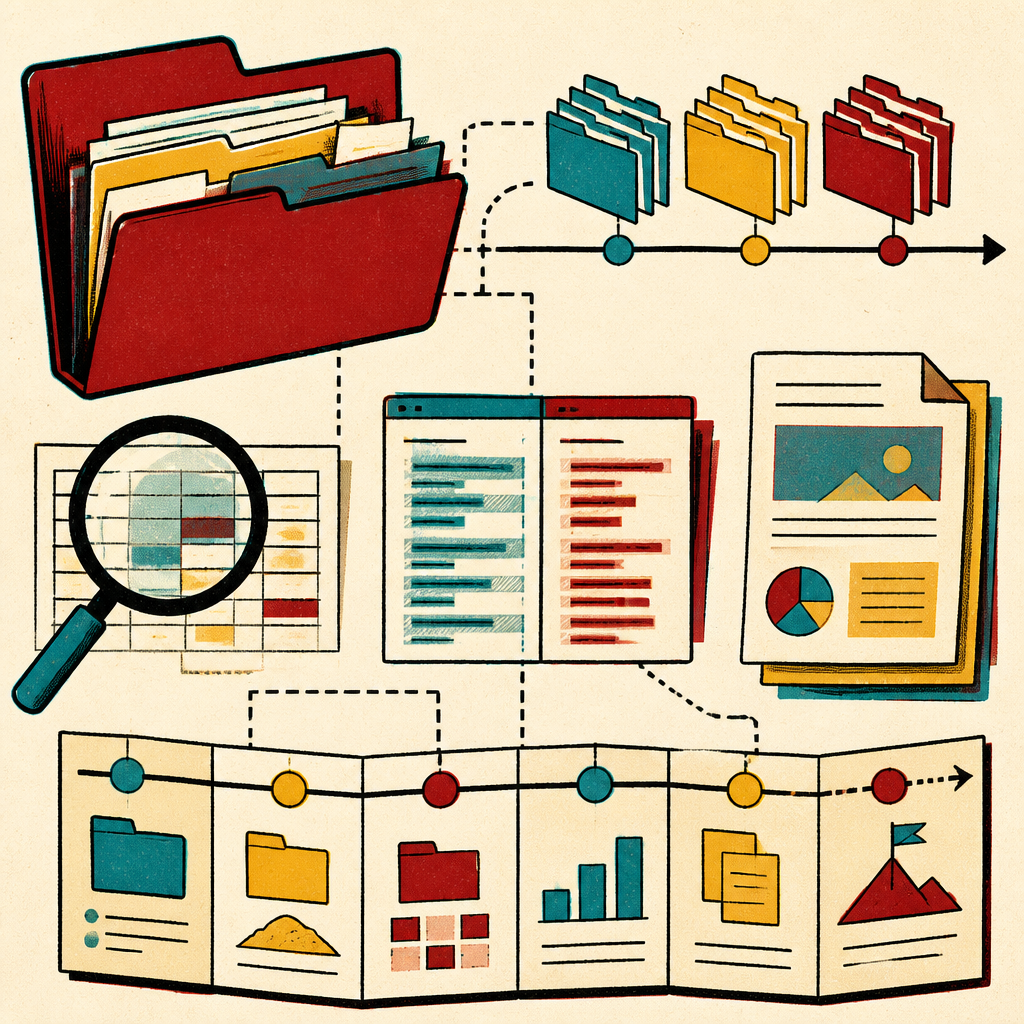
What's Happening (by Raks)
Purpose: given access to a folder, reconstruct and report the full state and history of everything in it — not just the latest file, but every version, every artifact type, and how they fit into the arc of the project.
Boundary conditions (hard rules — do not deviate)
- Read-only. Never create, edit, move, rename, or delete any file inside the target folder or its subfolders, with exactly one exception: the single output report file this skill produces (see Output below). Never touch anything outside the folder the user pointed to.
- No fabrication. Every claim about a version's purpose, a conference/talk, a date, or a status must trace back to something actually observed (a filename, a folder name, file metadata, or text inside a file). If it's inferred rather than stated outright, label it inferred (e.g. "likely presented at — filename mentions 'ICWSM_slides' but no explicit confirmation found"). Never guess at a venue, date, or outcome that isn't evidenced.
- Skip heavy/binary-noise directories — do not walk into or enumerate contents
of:
.git,node_modules,venv/.venv,__pycache__,renv/library,.Rproj.user,.ipynb_checkpoints, OS/system dirs, or any recognizable build/ dependency cache. These add no project-narrative value. - Skip filesystem/sync noise, and don't mistake it for a version. Ignore
desktop.ini,Thumbs.db, Office lockfiles (~$*.docx,~$*.pptx), and.tmp/.crdownloadfiles outright. Treat OneDrive/Windows sync-conflict copies (e.g.report (1).docx,report-hrkul's-PC.docx) as the same file as their original, not a new version in a lineage — note the duplicate exists, don't report it as project progress. - Skip full reads of oversized files. For any single file above roughly 20MB, record its path, type, size, and last-modified date in the inventory but do not attempt to read/parse its full content.
- Don't reproduce content verbatim at length. Summarize drafts/papers/slides in your own words; don't paste large verbatim excerpts into the report. Light, short quotes are fine when they pin down a claim (e.g. a title or version label, or a diffed line when describing what changed between versions).
- Extraction stays in scratch, never in place. To read
.pptx/.docxcontent (see Procedure step 4), copy the file into the session scratch directory before unzipping it there. Never unzip, extract, or write derived files inside the target folder — that would violate the read-only rule. - No external actions. This skill never pushes, uploads, emails, or publishes anything (no Artifact, no git operations, no web calls) unless the user separately asks for that on top of the overview.
- Don't overwrite an existing report silently. If a prior report from this skill already exists in the target folder, do not overwrite it without telling the user — write a new dated file instead, or ask if they want the old one replaced. (It also becomes an input — see Procedure step 1.)
Procedure
- Confirm the target folder, then check for a prior report. If the user hasn't
given an explicit path, ask which folder to scan — never assume the current
working directory is what they mean by "the research folder." Then Glob for
existing
WHATS_HAPPENING_*.mdfiles in the folder root. If one exists, Read the most recent one before doing anything else — it's the baseline for a "since last report" section, and it may cut down how much you need to re-derive from scratch (e.g. trust its version-lineage groupings for files that haven't changed since). - Inventory pass. Enumerate the full tree (respecting the skip rules above) with Glob. For each file, note: relative path, extension/type, size, last-modified date. For large trees, consider delegating this pass to an Explore agent to keep the raw listing out of your own context — you only need the resulting structure, not every path scrolling past. If a prior report exists, focus this pass on what's new or changed (by modified date) rather than re-cataloging everything.
- Group into version lineages, and diff text-based ones for real. Cluster
files that are evidently different versions of the same artifact — matching name
stems,
v1/v2/draft/final/FINAL_FINAL/dated suffixes, or same folder + similar name. Order each lineage by modification date (or explicit version number if the filename has one). For text-based formats (.R,.Rmd,.py,.md,.sql,.txt, etc.), actually diff consecutive versions (Bashdiff, or read both and compare) and describe the real change from what the diff shows. For formats you can't diff directly (.pptx,.docx,.pdf), describe the change based on extracted content (step 4) or file metadata, and flag it as inferred rather than diffed. - Classify by artifact type, and read content where the tool stack allows:
- Code/analysis (.py, .R, .Rmd, .ipynb, .sql, .do, etc.) — what it does, which script is the current/active pipeline vs. superseded.
- Slides/presentations (.pptx, .key, .pdf decks) — what each was for. For
.pptx: copy the file into scratch, unzip it there (it's a zip of XML), and read the text runs out ofppt/slides/slide*.xmlto get actual slide content/titles instead of guessing from the filename..keyfiles aren't practically extractable this way — fall back to filename/context for those. - Papers/writing (.docx, .pdf, .tex, .Rmd prose) — draft stage, which is most
current. For
.docx: same approach — copy to scratch, unzip, readword/document.xmlfor the actual text instead of guessing from the filename. - Data/corpus files (.csv, .parquet, .db, .duckdb, etc.) — what dataset, rough size, when last touched.
- Notes/misc (.md, .txt, README-style files) — anything that states goals, TODOs, or decisions in the author's own words; these are gold for status and should be weighted heavily.
- Build a timeline. Order major activity chronologically from modification dates and any explicit dates found in filenames or content, so the report shows the arc of the project, not just a snapshot.
- Surface conferences/talks/presentations specifically. Look for folder names, filenames, or in-file text referencing venues, talks, posters, or submissions. List each with venue + date if stated; mark clearly as inferred if only implied by a filename with no explicit confirming text.
- Synthesize current status. For each major thread of the project, state what's most current/active, what looks superseded or abandoned, and what open questions/TODOs are visible from notes or comments. Flag genuinely unclear items as unclear rather than resolving them by guesswork.
Output
Produce both:
- A chat summary, structured as: (if a prior report existed) Since Last Report → Overview → Timeline → Version Lineages → By Category (Code / Slides / Papers / Data) → Conferences & Presentations → Current Status & Open Threads → Flagged/Uncertain Items.
- A saved report file with the same content, written as Markdown at the root
of the scanned folder, named
WHATS_HAPPENING_<YYYY-MM-DD>.md(using today's date). This is the one write action this skill is allowed to take — nothing else in the folder gets touched, and per the boundary rules above, an existing report with the same name is never silently overwritten.